

Summarize:


11 Best Debt Collection Software Tools of 2026


Quick Summary
Debt collection software replaces the manual cycle of spreadsheet tracking and scattered email threads with structured workflows that chase, negotiate, and reconcile overdue invoices at scale. Here are our top 3 picks:
Why Debt Collection Software Matters
Your AR team can only call so many people in a day. When your customer base doubles but headcount stays flat, the cracks show fast.
Debt collection software exists to close that gap. In this article, we break down 11 platforms for 2026, covering their key features, pros, cons, and pricing so you can find the right fit for your operation.
Why Listen to Us?
Our platform sits at the center of thousands of B2B collection workflows every month. We've seen firsthand what slows teams down and what actually moves the needle on DSO, and we built Lunos to solve the problems other tools leave on the table.
11 Best Debt Collection Software
1. Lunos
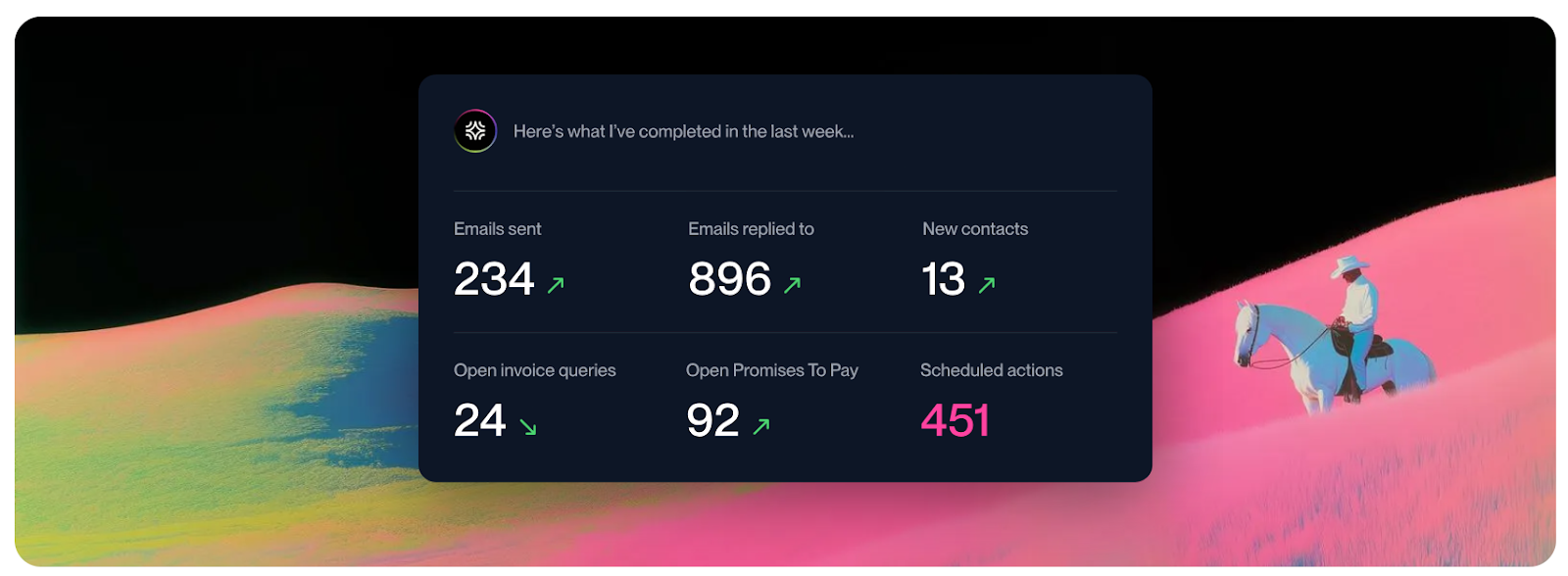
Think of Lunos as an AI coworker that joins your finance team to tame the wilds of your collections inbox. It steps in to read, understand, and respond to customer emails with the same grit and care as a human teammate.
For example, if a customer replies that they’re waiting on a check until Friday, the software understands that intent and automatically pauses the chase until Monday.
Instead of leaving you to sift through scattered threads and spreadsheets, Lunos tracks every promise to pay and identifies disputes automatically. It turns a chaotic shared inbox into a structured path to getting paid, bringing all the necessary actions directly to you in Slack.
Key Features
- AI-powered payment conversations: Reads customer emails and replies with context-aware messages that move the payment conversation forward.
- Adaptive follow-up management: Tracks payment promises and automatically schedules the next follow-up.
- Slack-native workflow: Review suggested actions and approve responses directly inside Slack.
- Three autonomy modes: Choose Monitor, Suggest, or Act depending on how much control you want.
- Multi-system integrations: Connects with QuickBooks, Xero, NetSuite, Stripe, HubSpot, and Salesforce.
- Exception routing: Flags disputes, billing questions, and unusual situations for you to review.
- Complete audit trail: Logs every message, response, and payment promise for visibility.
Pricing
- Starter: $0/month (0.3% fee on collected revenue)
- Pro: $200/month + 0.3% fee
- Enterprise: Custom pricing
Pros
- Handles two-way payment conversations, not just reminder emails
- Saves time by automatically tracking payment promises and follow-ups
- Integrates with common ERP, CRM, and payment platforms
- Slack-native workflow keeps collections inside tools you already use
- Flexible automation control through Monitor, Suggest, and Act modes
Cons
- Best suited for B2B companies managing invoice-based payments
- Requires integrations with existing finance systems for full functionality
2. Upflow
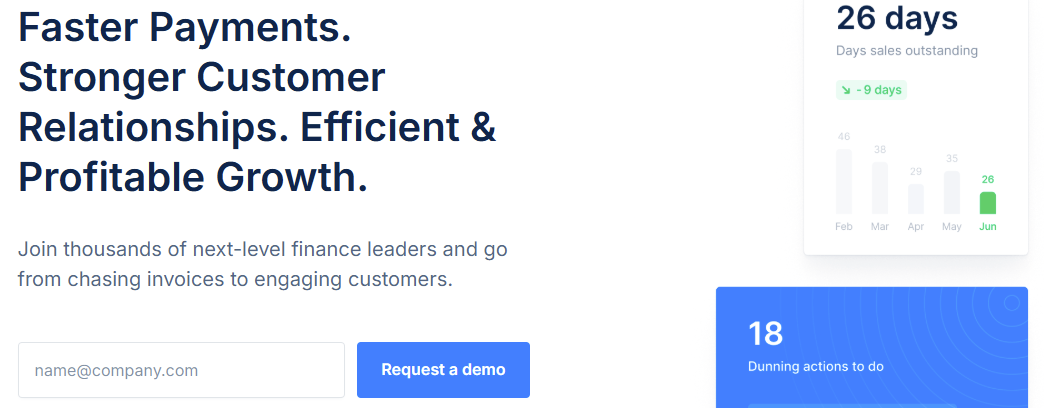
Upflow helps you stay organized when managing overdue invoices and payment follow-ups.
Instead of keeping track of reminders in spreadsheets or scattered email threads, Upflow brings your collections workflow into one place. You can see which invoices are overdue, schedule reminder emails, and manage customer payment conversations from a shared workspace.
The platform connects with accounting systems and lets you set up follow-up sequences based on invoice status or customer type. It also includes a customer portal that lets your clients view invoices and pay outstanding balances.
Key Features
- Automated reminder sequences based on invoice due dates
- Shared inbox for managing collection emails
- Customer portal for viewing and paying invoices
- AR dashboards showing overdue balances and collection performance
- Integrations with accounting tools like QuickBooks, NetSuite, and Xero
- Timeline view of customer payment history and communications
Pricing
- Quote-based and varies depending on your annual revenue and the number of users.
Pros
- Helps you stay organized when managing large numbers of invoices
- Automated reminders reduce manual follow-up work
- Shared inbox keeps collection communication visible to the team
- The customer portal makes it easier for clients to pay outstanding balances
- Integrates with common accounting platforms
Cons
- Focuses mainly on reminder automation rather than conversation management
- Customer replies typically require manual handling
- Some advanced features may require higher pricing tiers
3. Tesorio
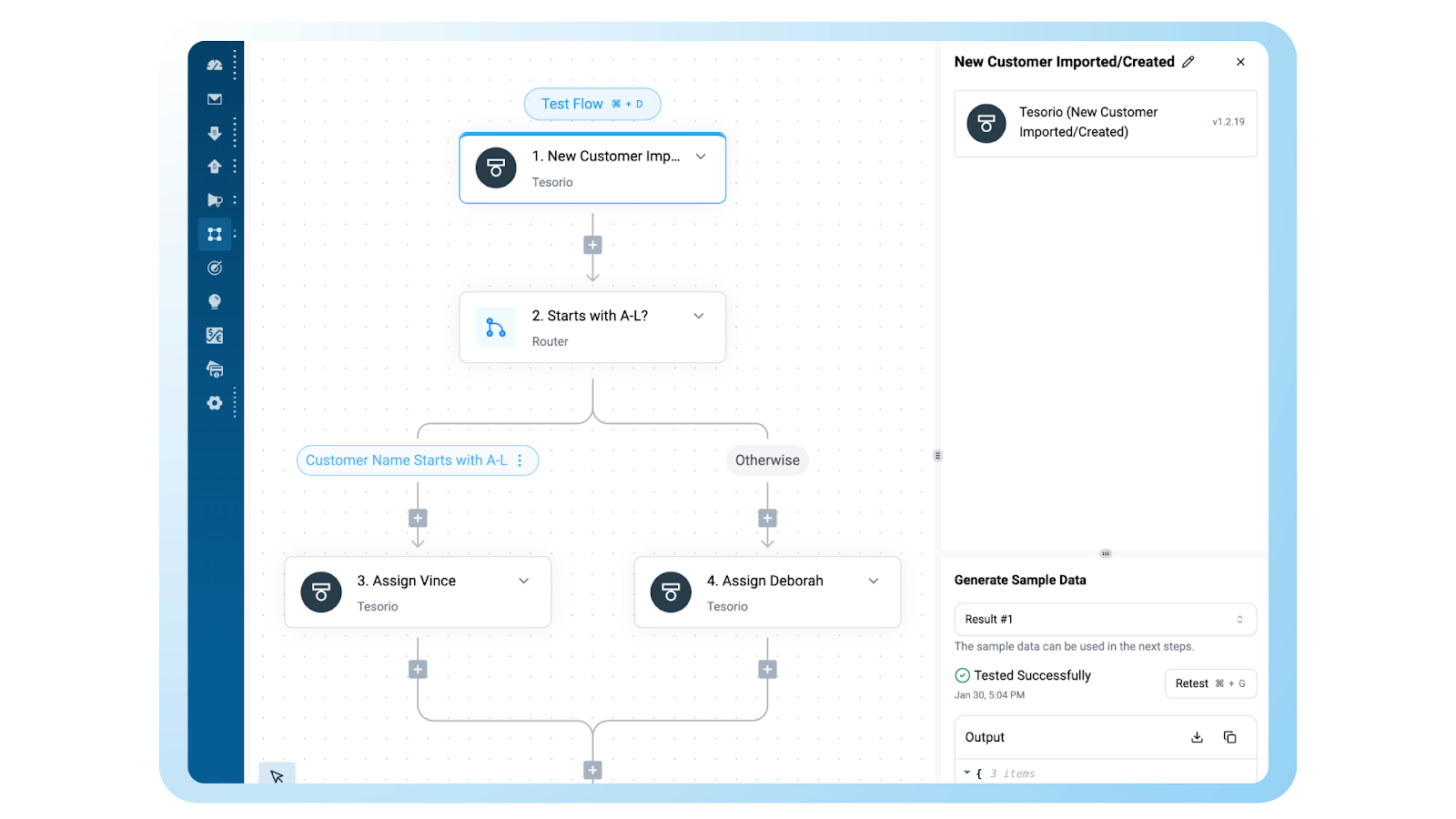
Tesorio pulls data from your ERP to predict when payments will land in your bank account. It helps you forecast cash flow without using spreadsheets and shows you which accounts are likely to pay late. You can use it to prioritize which customers your team needs to contact manually.
Key Features
- Predictive cash flow forecasting based on historical customer payment behavior
- Centralized AR workspace that pulls data from your accounting system into one view
- Automated email reminder sequences tailored to different customer segments
- In-platform tagging and notes to help teams collaborate on resolving disputes
- Reporting dashboards that track DSO and individual collector efficiency
Pricing
- Quote-based and varies with the scale of your operations and the complexity of your ERP.
Pros
- Provides a clear and accurate picture of future cash positions based on past behavior
- Saves time by automating the basic email reminders you used to send manually
- Makes it easy to collaborate with sales and success teams to resolve payment bottlenecks
- Identifies high-risk accounts so you can focus your manual efforts where they matter most
Cons
- Relies on traditional templates and cannot read or respond to customer replies on its own
- The setup requires a deep sync with your accounting data to be effective
4. HighRadius
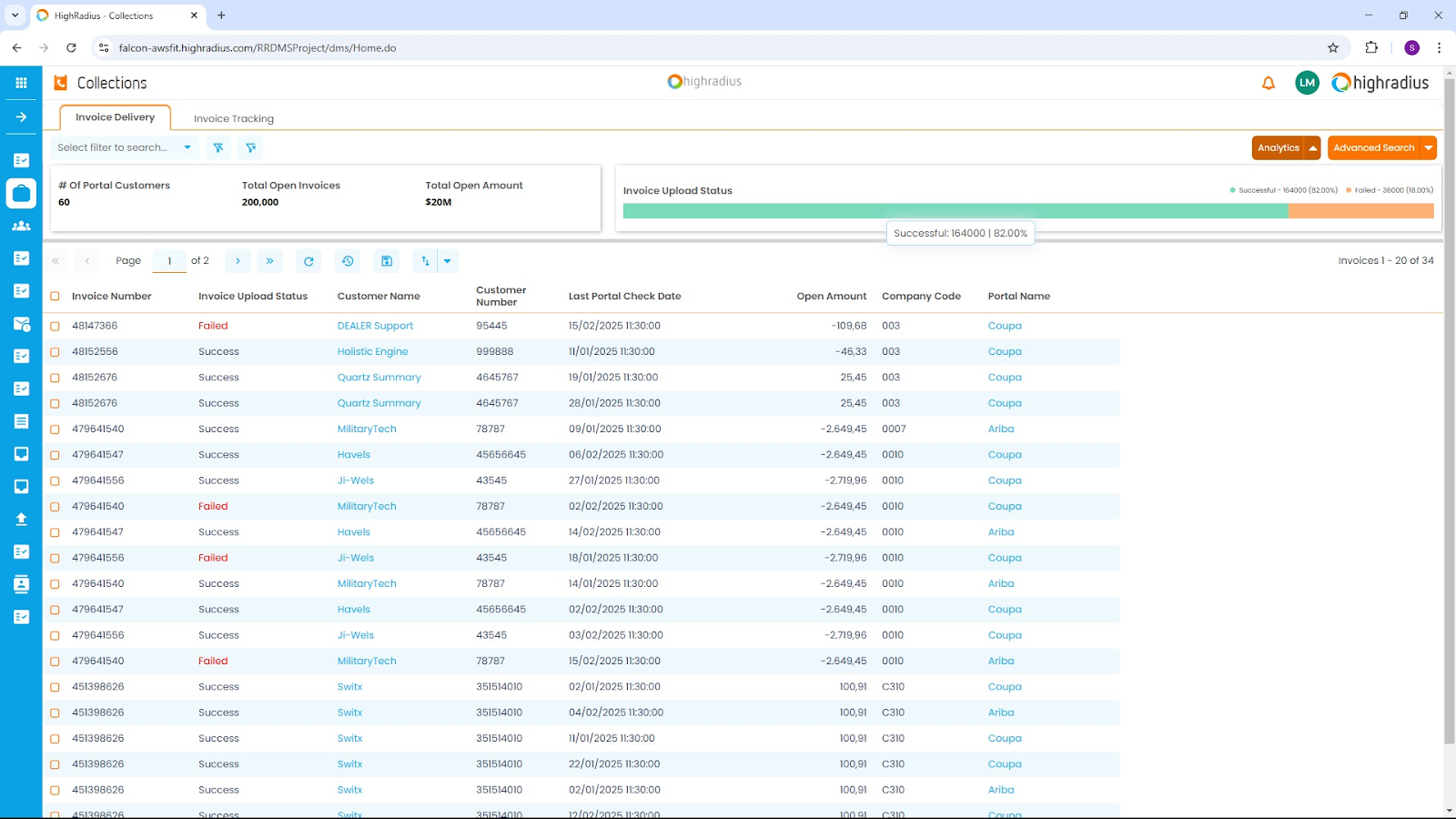
HighRadius handles accounts receivable for global corporations with high invoice volumes across multiple currencies. It uses data to suggest credit limits for customers and matches incoming payments to open invoices. HighRadius helps finance leaders manage global treasury tasks and standardize processes across different business units.
Key Features
- Data-driven credit scoring to suggest limits for global customers
- Automated cash application to match payments to invoices, even with missing remittance data
- Global dunning support to ensure reminders follow local regulations and languages
- Deduction management to track and resolve short-payments and disputes
- Self-service portal where customers can view and pay their invoices online
Pricing
- Outcome-based pricing models with custom quotes.
Pros
- Built to manage the scale and complexity of global corporations
- Matches and reconciles complex bulk payments automatically
- Provides visibility into credit risk and treasury positions across the entire organization
- Standardizes finance processes for teams working in different countries
Cons
- Implementation is a long-term project that often requires a dedicated internal team
- Lacks the conversational approach needed for managing daily email interactions
5. Quadient AR
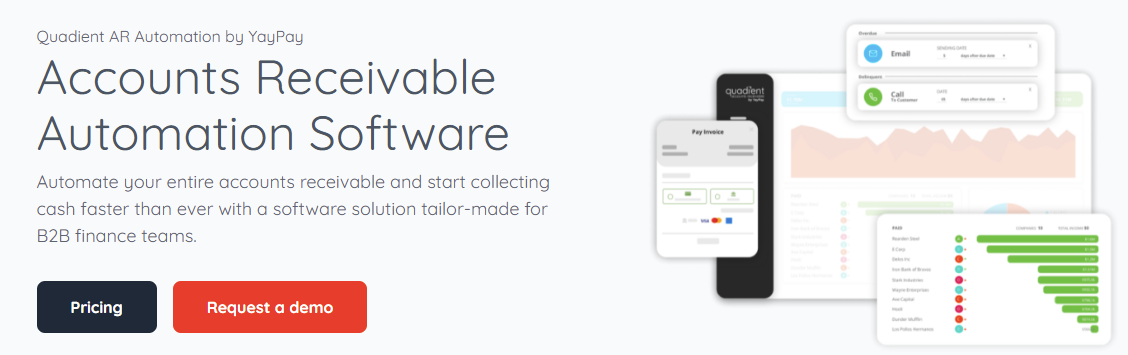
Quadient AR automates the invoice-to-cash cycle for B2B finance teams. It integrates with your ERP to provide real-time visibility into collections and predicts cash flow based on historical data. The debt collection software helps teams reduce manual work by organizing tasks and standardizing how they communicate with customers.
Key Features
- Sends automatic reminders to customers based on the age of their invoice.
- Real-time dashboards that track DSO, aging trends, and how quickly your team collects.
- A secure portal where customers can view their invoices and pay online.
- Credit tools that check customer reliability by combining external data with their payment history.
- Automatic matching of incoming payments to open invoices.
Pricing
- Quote-based that varies according to your business size and invoice volume.
Pros
- Helps reduce DSO by providing tailored collection workflows
- Eliminates manual tasks like invoice uploading and payment status tracking
- Provides cash flow forecasting with high reported accuracy
- Simplifies the payment process for customers through a dedicated self-service portal
Cons
- Uses rigid templates and cannot hold natural conversations with customers
- Requires a deep integration with your ERP to provide full visibility
6. Gaviti
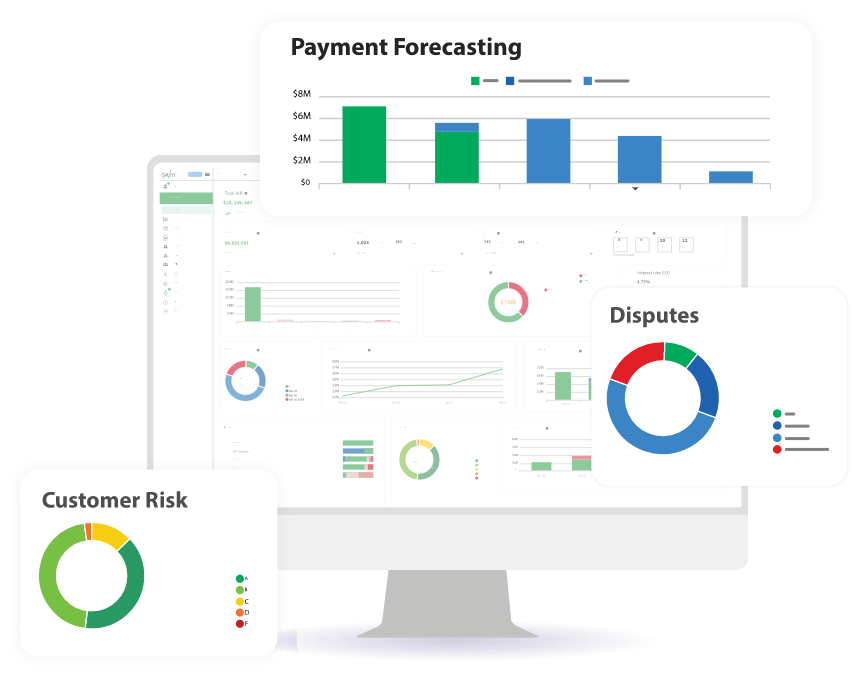
Gaviti moves debt collection out of spreadsheets and into a single screen to help B2B teams track every unpaid invoice. It organizes the way reminders are sent and keeps a record of all customer replies in one place. This makes it easier to see which accounts are slipping behind, so the finance team can step in before a payment is missed.
Key Features
- Automatic reminders that handle customer follow-ups and escalations.
- A built-in portal that allows customers to pay using credit cards or ACH.
- Credit tools that monitor customer risk and suggest credit limits.
- Automatic payment matching that connects incoming cash to open invoices.
- Real-time dashboards that show DSO and aging reports.
Pricing
- Custom quotes based on business needs and invoice volume.
Pros
- Provides a single workspace so the team does not have to switch between different tools
- Connects with both cloud-based and on-premises accounting systems
- Allows for notes on invoices so the team stays aligned on specific accounts
- Includes a self-service portal where customers can view history and pay instantly
Cons
- Reporting and analytics can be difficult to navigate and customize
- The system can experience lag when many people use it at the same time
7. BlackLine
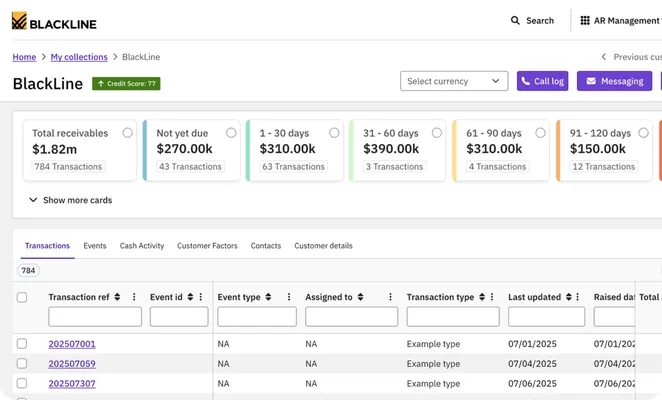
BlackLine manages global collections for companies with complex accounting needs across different countries. While often used for the month-end close, its tools help your team match payments to invoices and track unpaid debt. It standardizes how financial data is recorded across different business units, so your records stay accurate and ready for audits.
Key Features
- Payment matching that connects bulk payments to invoices, even when bank data is missing details.
- A central task list to help you assign collection duties and track the progress of each account.
- Intercompany tools to handle transactions and settlements between your own branch offices.
- A digital trail that records every change to an account for security and compliance.
- An invoice portal where your global customers can view history and pay in various currencies.
Pricing
- Custom
Pros
- Keeps all your data in one place so you can follow strict audit rules
- Reconciles thousands of transactions by matching bank data to open invoices
- Connects with your existing enterprise systems like SAP or Oracle
- Distributes your workload by processing data as it arrives rather than waiting for the month-end
Cons
- The interface has a steep learning curve because of the number of professional features
- You might experience delays in data updates during major system syncs
8. Chaser
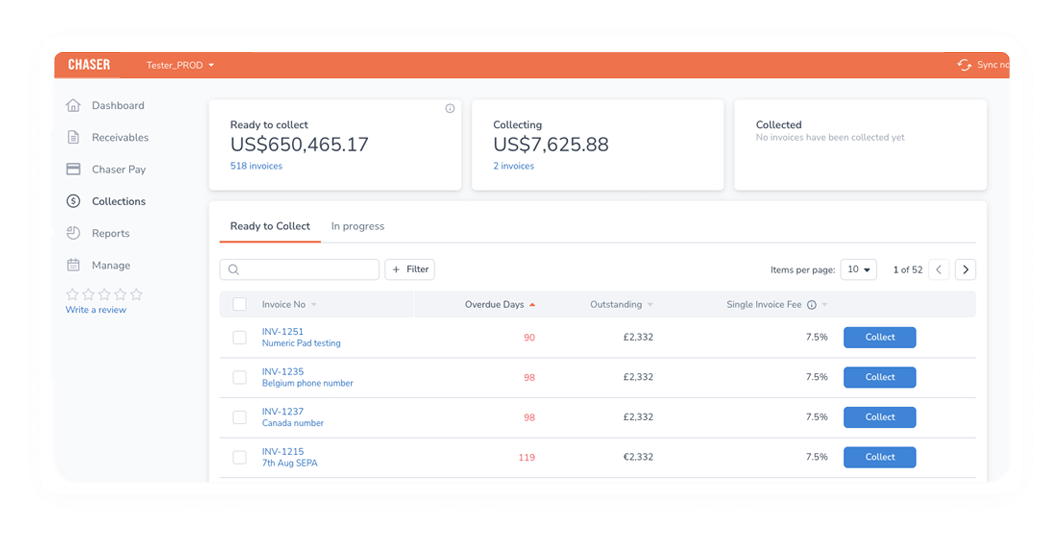
Chaser automates invoice follow-ups while making them appear as personal emails from your own address. It helps B2B teams reduce late payments without losing the personal connection with their clients.
Key Features
- Personalized reminders that use your own email address and signature to look like manual notes.
- Custom schedules to set specific follow-up times for different customer groups or invoice types.
- Communication hub that pulls all customer replies into one view for the whole team.
- Payment portal for customers to view their account history and pay multiple invoices at once.
- Integrated collections to escalate old debts to a professional team directly from the app on a no-win, no-fee basis.
Pricing
- Compact: Starts at $259/month for businesses with annual revenue under $5 million.
- Core: Starts at $779/month for businesses with annual revenue under $13 million.
- Complete: Starts at $1,169/month for businesses with annual revenue under $120 million.
- Custom: Revenue above the Complete plan.
Pros
- Maintains professional relationships by avoiding a bot appearance
- Automates routine follow-ups to save several hours of manual work per week
- Plugs directly into Xero, QuickBooks, Sage, and other accounting software
- Includes automated "thank you" notes once a payment is confirmed
Cons
- Pricing can scale quickly if you exceed the invoice limits of your plan
- Requires clean accounting data to prevent sending reminders for invoices you have already reconciled
9. Billtrust
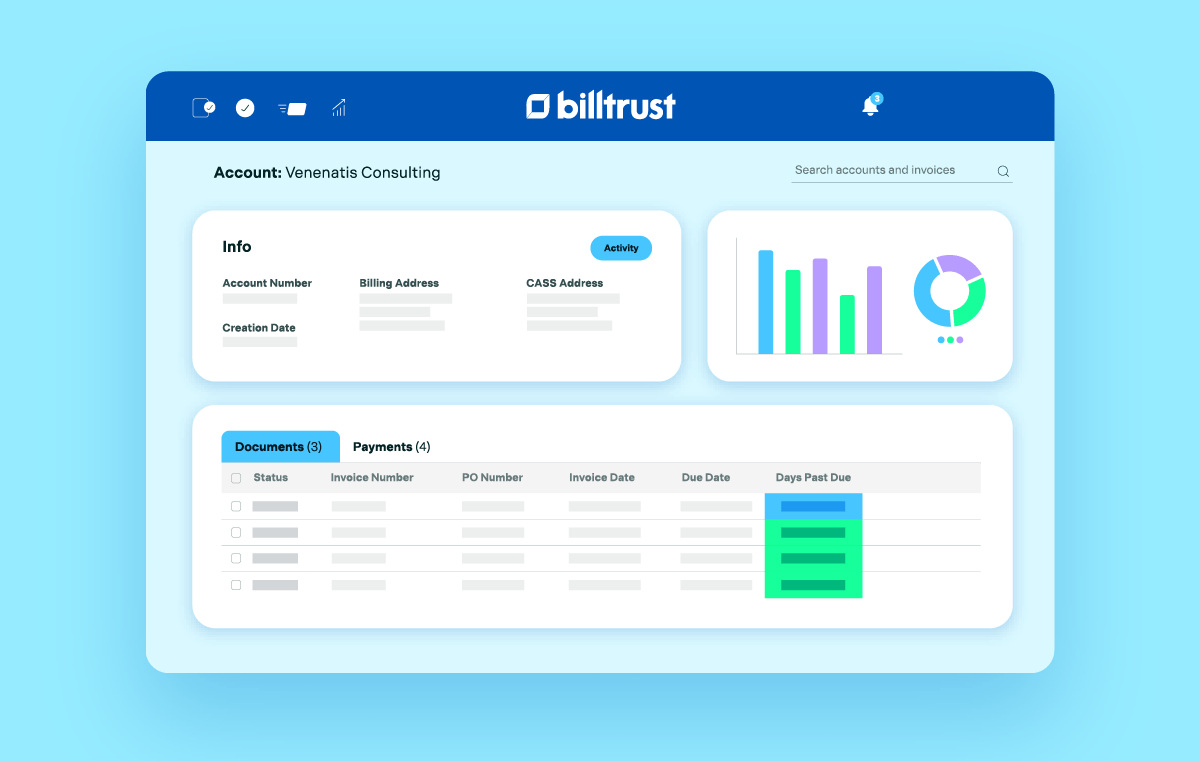
Billtrust automates the collection process for enterprise-level companies. It uses AI to prioritize outreach and manage disputes, helping large teams handle massive invoice volumes without increasing headcount.
For teams exploring other options, we've also reviewed the top Billtrust alternatives.
Key Features
- Agentic email & VoIP that uses AI to draft collection replies, summarize conversations, and transcribe calls to speed up outreach.
- Predictive procedures that analyze customer behavior to recommend the best time and method for follow-up.
- Centralized dispute management to track and resolve payment issues in one place so they do not stall cash flow.
- Risk monitoring that continuously assesses customer creditworthiness and suggests adjustments to credit lines.
- Priority worklists that automatically flag high-risk or high-value accounts for immediate attention.
Pricing
- Custom-quoted based on your transaction volume and the specific AI modules you implement.
Pros
- AI tools allow teams to handle up to three times more email volume without adding staff
- Predicts when customers are most likely to pay to improve cash flow forecasting
- Integrates with over 40 ERP systems and 260+ AP portals
- Provides a clear audit trail for every collection action and credit decision
Cons
- Requires significant time for setup and training
- Heavy reliance on data from your ERP for the predictive AI to be accurate
10. Invoiced
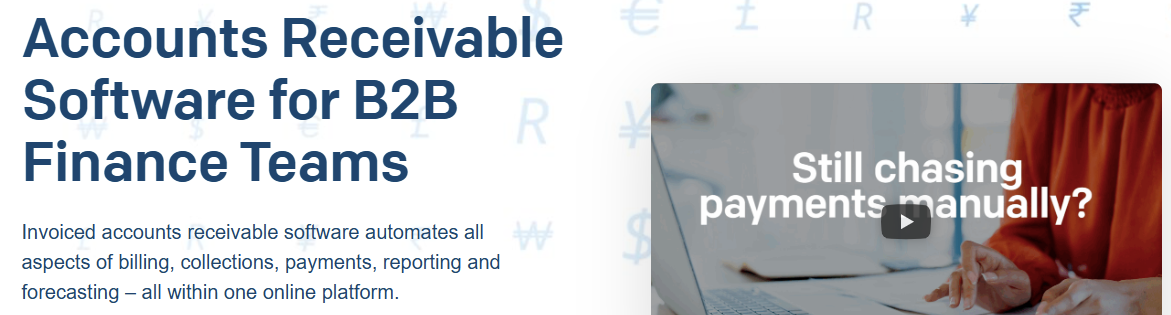
Invoiced is built for fast-growing companies that have outgrown basic billing. It centralizes your invoices, payments, and collections in one place so you can stop jumping between spreadsheets and your bank account.
Key Features
- You set up specific rules for when to send reminders or apply late fees.
- Built-in payments so your customers can pay via ACH or credit card directly from the invoice you sent.
- Automatic reconciliation that matches payments to your open invoices, keeping your records up to date without manual entry.
- A customer portal where your clients can log in to see their history, download old invoices, and pay everything they owe at once.
- Real-time reporting that shows you exactly how much cash is coming in and which customers are falling behind.
Pricing
- Get a custom quote based on the number of invoices you process and the specific features your team needs.
Pros
- Works with almost any accounting system you already use, including custom or older setups
- Includes a "test mode" so you can check your automated emails before they actually reach your customers
- Handles global business easily if you need to bill in different currencies
Cons
- Setting up your custom rules can take some time if your billing process is complicated
- You might find it hard to pull very specific, unusual reports without a bit of extra work
- The price increases as you add more entities or advanced features
11. LedgerUp
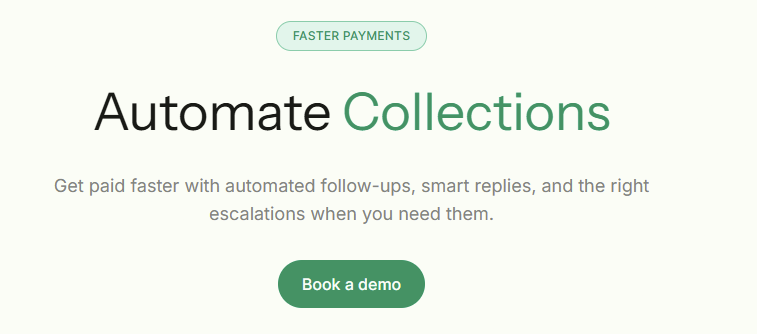
LedgerUp is built for B2B companies that deal with complex, negotiated contracts. It uses its specialized assistant, Ari, to bridge the gap between your sales team closing a deal and your finance team getting paid.
Key Features
- You get an automated way to pull payment terms and pricing tiers directly from your signed contracts.
- Ari answers routine customer questions about invoice history or billing updates instantly.
- You get an automatic alert to step in if a customer stops responding or has a complex dispute.
- The debt collection software checks that every signed contract is linked to an active invoice, so you don't leave money on the table.
Pricing
- Custom quote based on the number of contracts you manage and your total billing volume.
Pros
- Reclaims the time you usually spend typing data from contracts into your billing software
- Lowers the number of failed payments by using smarter retry attempts
- Keeps your sales and finance teams on the same page through Slack updates
- Meets high security standards with SOC 2 and GDPR compliance
Cons
- Only works well if your contracts follow a clear, readable structure
- Lacks features for upfront invoice financing
Which Debt Collection Software Is Right for You?
Choosing the right debt collection software depends on your specific scale-breaking point and where your team feels the most cash flow pressure:
- For B2B teams managing high-volume invoices that need an AI coworker to manage two-way conversations, Lunos is built specifically for this.
- For large enterprises with global operations, HighRadius is the standard.
- For growing businesses focused on relationships, Chaser is a strong pick.
- Other popular accounts debt collection tools to consider include Upflow, Gaviti, and Tesorio.
Debt collection software works best when it targets your specific bottleneck. Start by automating your most repetitive chasing tasks, prove the impact on your DSO, and then scale the system as you grow.
Ready to see what an AI coworker can do for your accounts receivable?
Start for free with Lunos and see how you can reduce your AR workload by 75% while finally taming your system fragmentation.
Make your receivables effortless and focus on what you do best